
mmfm is a modern Dual-Pane Flie Manager App for Windows 10.
What is mmfm?
mmfm is a modern Dual-Pane File Manager App for Windows 10.
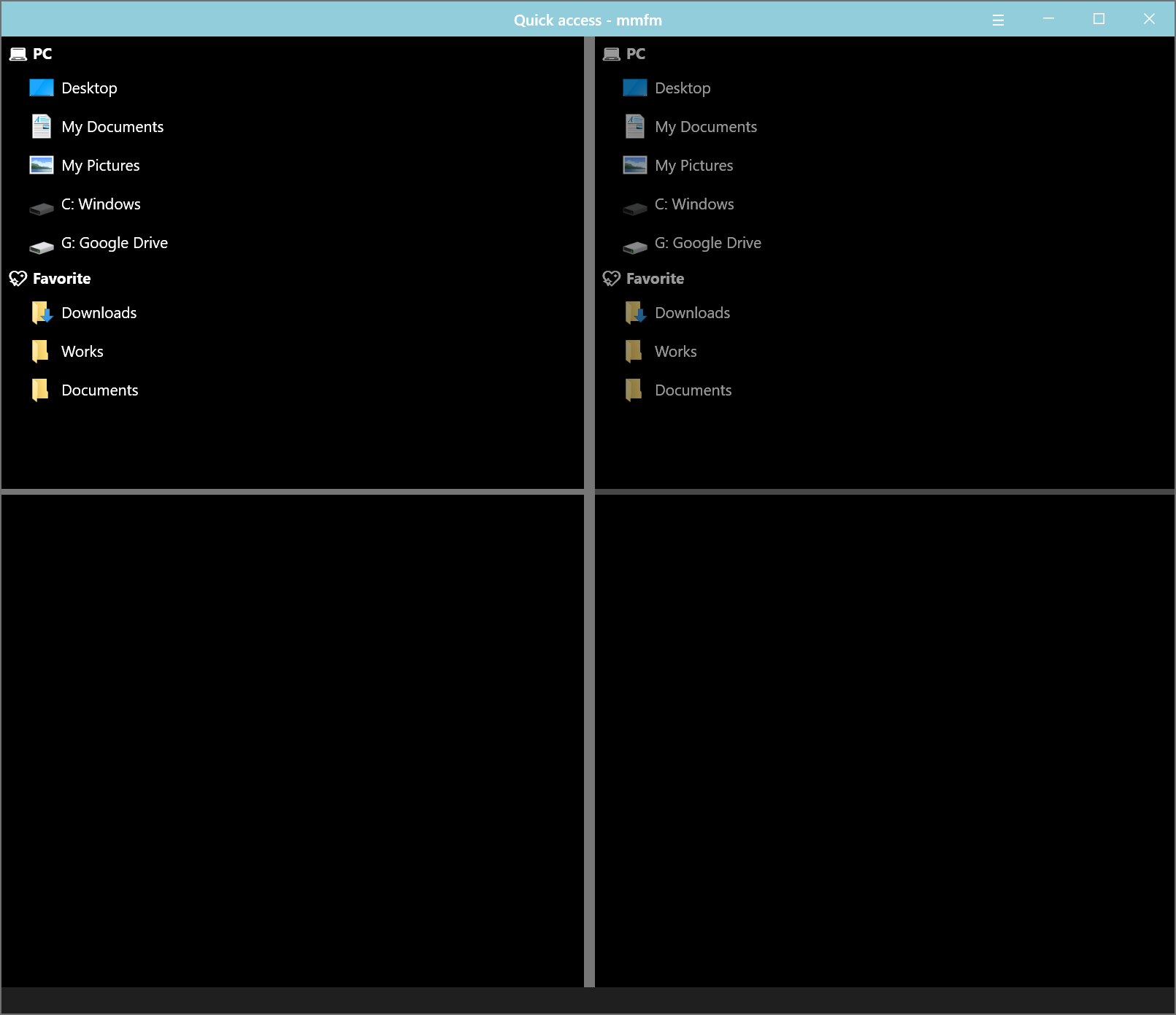
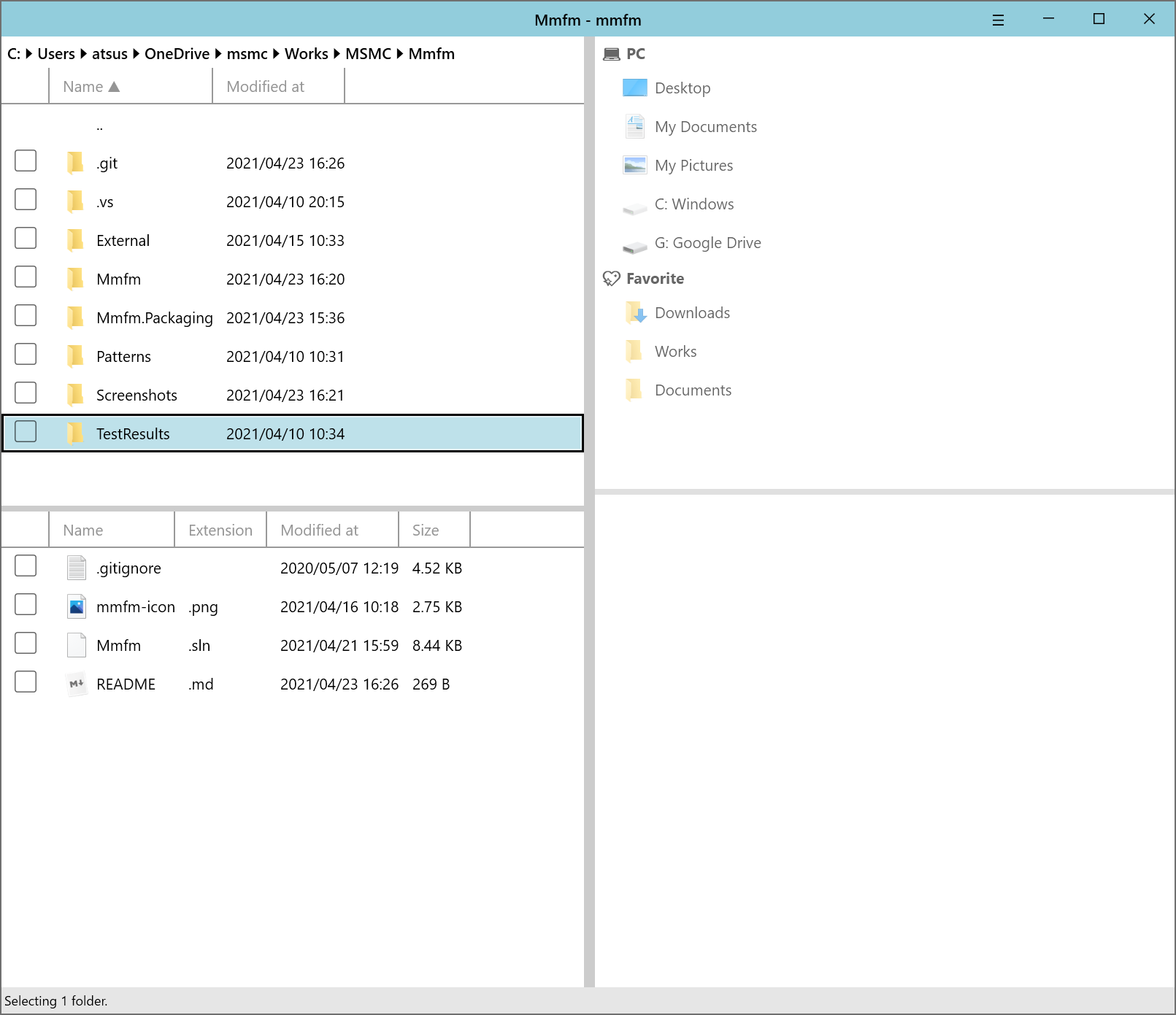
Features
- Keyboard oriented operation
- Hot-key activation
- Command(like Visual Studio Code / Windows Terminal)
- Customizable
- Font family and size
- Hot-key definition
- Theme(light or dark) / Accent color
- Key binding
- Extensible
- User-defined commands
User-defined commands
Tree commands
You can tree commands by name with character /.
If you want to build tree like:
A
├─ B
│  └─ C
└─ D
Define commands with name:
-
A/B/C
-
A/D
Environment variables
| Variable name | Description |
|---|---|
| %fullpath% | The path of directory currently active. |
| %selected% | The paths of selected items separeted by space. |
Recommended commands
Tortoise git
commit
"C:\Program Files\TortoiseGit\bin\TortoiseGitProc.exe" /command:commit /path:%fullpath%
other commands, please see:
Open with apps
Open in Windows Terminal
wt new-tab -d %fullpath%
Open in Visual Studio Code
code %selected%
Open in Windows Explorer
explorer %fullpath%
QuickLook Integration
mmfm supports QuickLook. Install QuickLook and launch, you can preview file selected in mmfm. Default key-binding is Alt+Q. You can modify key-binding in Settings.
Privacy Policy
mmfm and MARSHMALLOW MACHINE Inc. do not store any personal information, keyboard typing.
We physically can’t. We have nowhere to store it. We don’t even have a server database to store it.